
How it works
Three steps to Korean subtitles
- Step 1
Pick a file
Any audio or video on your phone: interviews, lectures, podcasts, vlogs, meetings or voice notes.
- Step 2
Choose Korean
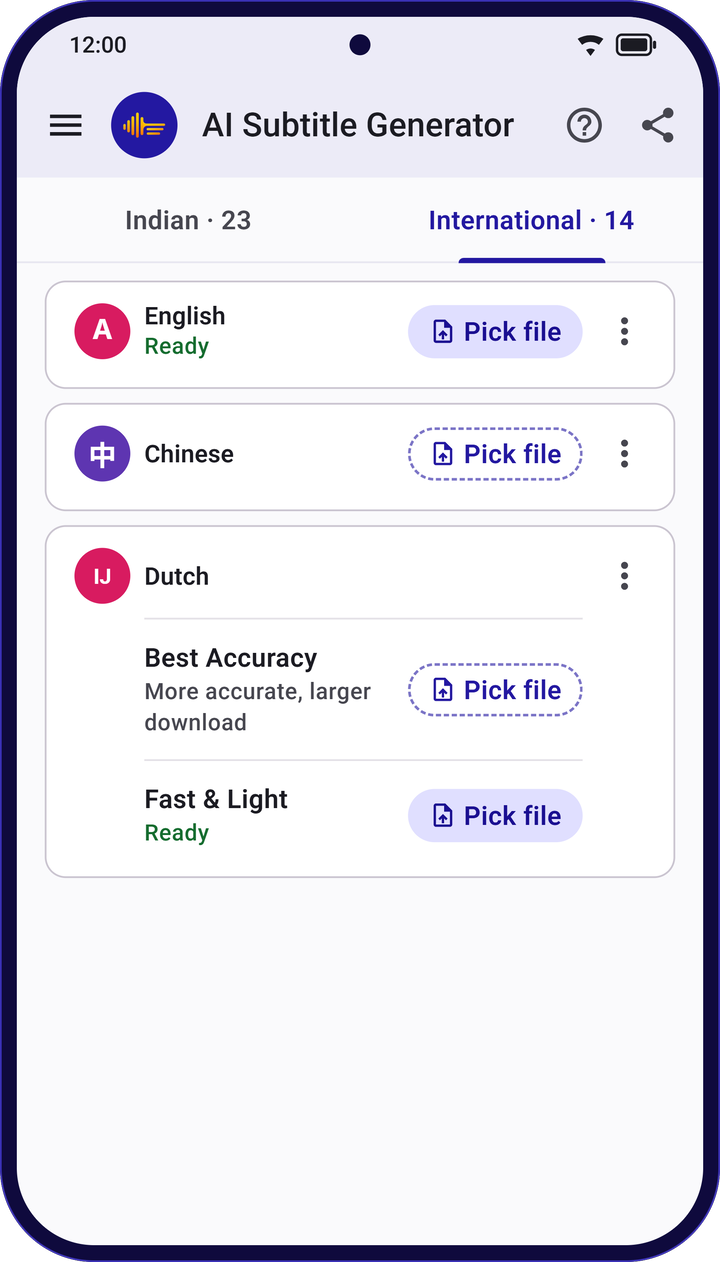
Choose Korean, then Best Accuracy or Fast & Light. It downloads once; after that, no internet needed.
- Step 3
Check, fix and save
Tap a line to hear it, fix any word, then save as SRT, VTT or plain text.
Korean in the app
What to expect from Korean subtitles
- Written in
- Korean (Hangul)
- Two choices
- Best Accuracy for the most accurate subtitles, or Fast & Light for a smaller download and quicker results.
- Privacy
- Your audio, video and transcripts are never uploaded.
- Formats
- SRT, WebVTT, WebVTT with word timing, or plain text.
- Good to know
- Subtitles are made by AI and can have mistakes, especially with background music, noise or people talking over each other. Give them a quick check before you publish.
Questions
Korean subtitles: common questions
Can AI Subtitle Generator make Korean subtitles?
Yes. Pick an audio or video file, choose Korean, and the app writes time-stamped Korean subtitles on your phone.
Should I choose Best Accuracy or Fast & Light?
Best Accuracy is more accurate but a larger download and slower on long files. Fast & Light is smaller and quicker. You can download both.
Does one download cover other languages too?
Yes. One Best Accuracy download adds 13 world languages at once, and Fast & Light adds 12, so Korean comes with many others.
Do I need internet to make Korean subtitles?
Only once, to download Korean. After that you can make subtitles anywhere, even without a signal.
Which formats can I save Korean subtitles in?
SRT, WebVTT, WebVTT with word timing, and plain text. You can save to your phone or share straight from the app.
Is the app free?
Yes. There are no ads, no subscription and no sign-up.
More languages
Subtitles in other languages
Indian languages
- Assamese
- Bengali
- Bodo
- Dogri
- Gujarati
- Hindi
- Kannada
- Kashmiri
- Konkani
- Maithili
- Malayalam
- Manipuri
- Marathi
- Nepali
- Odia
- Punjabi
- Sanskrit
- Santali
- Sindhi
- Tamil
- Telugu
- Urdu
- Hinglish