
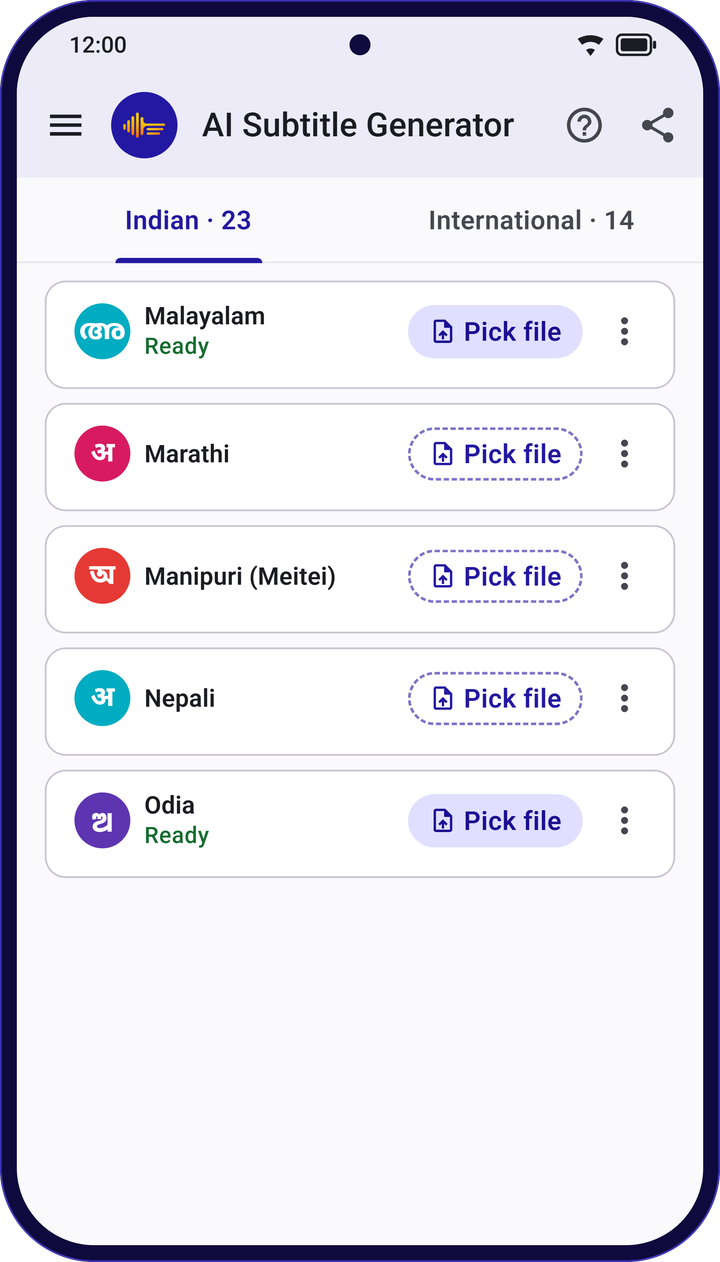
How it works
Three steps to Marathi subtitles
- Step 1
Pick a file
Any audio or video on your phone: interviews, lectures, podcasts, vlogs, meetings or voice notes.
- Step 2
Choose Marathi
Choose Marathi. It downloads once; after that, no internet needed.
- Step 3
Check, fix and save
Tap a line to hear it, fix any word, then save as SRT, VTT or plain text.
Marathi in the app
What to expect from Marathi subtitles
- Script
- Devanagari
- Download
- One download for Marathi. After that it works without internet.
- Privacy
- Your audio, video and transcripts are never uploaded.
- Formats
- SRT, WebVTT, WebVTT with word timing, or plain text.
- Good to know
- Subtitles are made by AI and can have mistakes, especially with background music, noise or people talking over each other. Give them a quick check before you publish.
Questions
Marathi subtitles: common questions
Can AI Subtitle Generator make Marathi subtitles?
Yes. Pick an audio or video file, choose Marathi, and the app writes time-stamped Marathi subtitles in Devanagari, on your phone.
Do I need internet to make Marathi subtitles?
Only once, to download Marathi. After that you can make subtitles anywhere, even without a signal.
Which formats can I save Marathi subtitles in?
SRT, WebVTT, WebVTT with word timing, and plain text. You can save to your phone or share straight from the app.
Is the app free?
Yes. There are no ads, no subscription and no sign-up.
More languages
Subtitles in other languages
Indian languages
- Assamese
- Bengali
- Bodo
- Dogri
- Gujarati
- Hindi
- Kannada
- Kashmiri
- Konkani
- Maithili
- Malayalam
- Manipuri
- Nepali
- Odia
- Punjabi
- Sanskrit
- Santali
- Sindhi
- Tamil
- Telugu
- Urdu
- Hinglish